
Norfolk based. Connecting the UK since 2000. · 01485 572253
WIFI SOLUTIONS

Get your WiFi where life happens.

Wired networks and WiFi for homes, businesses and buildings across the yard. We install Omada business networks, whole-home Deco systems and suitable wireless bridges.
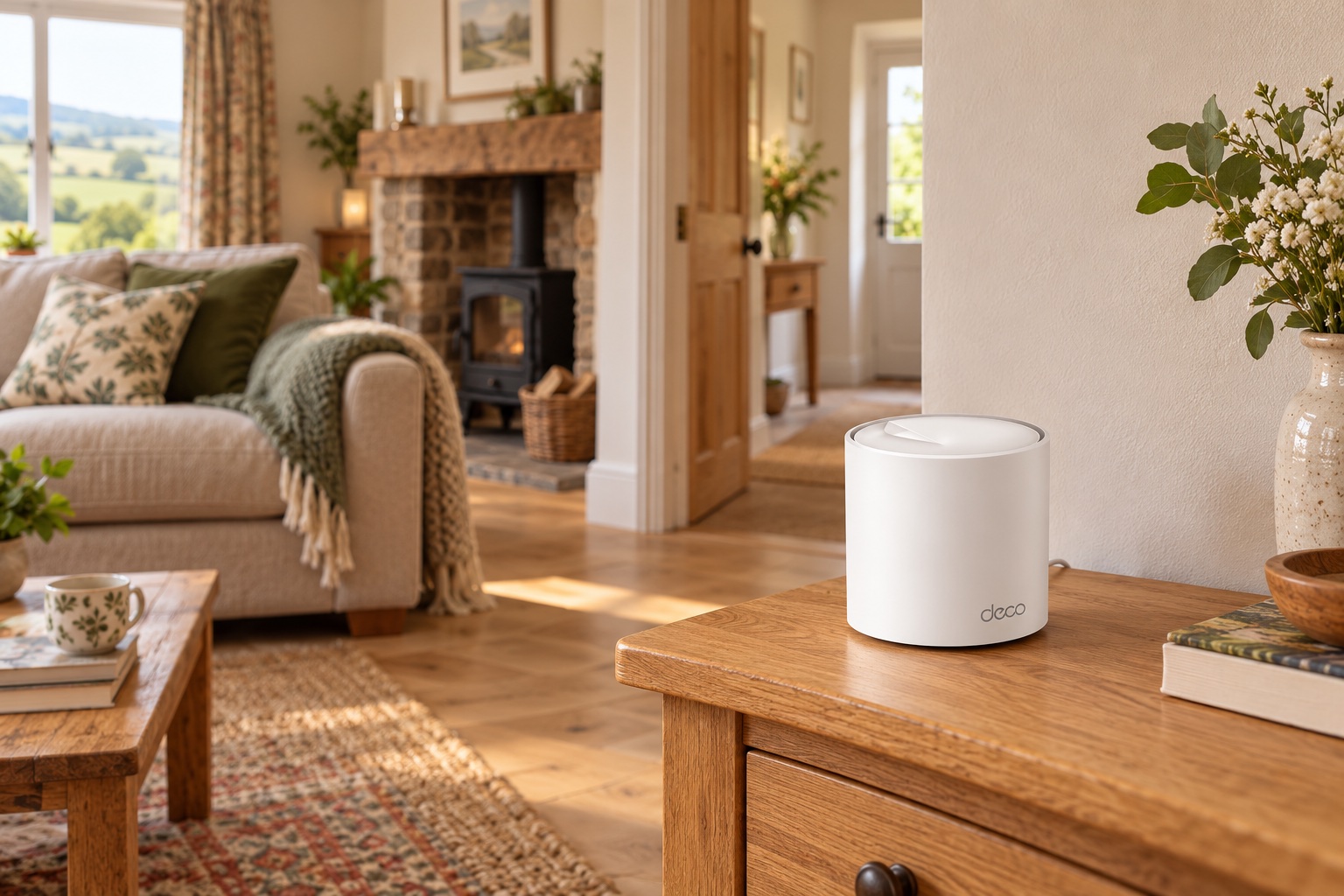
Illustrative TP-Link Deco on a side table beside an internal wall in a rural living room

Better coverage starts with the building.

A router tucked beside the incoming line is rarely in the best place for every room. Stone walls, foil-backed insulation and detached buildings can all change how the signal travels.

Before adding boosters, let’s look at your layout, current equipment and the places where the connection matters. A planned network of access points may be more suitable than extending an already weak signal.

Homes and home offices

Whole-home options such as TP-Link Deco mesh, planned around the rooms and devices you use.

Holiday lets and guest spaces

Discuss guest access, property layout and separation from your own working network.

Businesses and outbuildings

Omada wired networking and WiFi, plus suitable wireless bridges to workshops and farm buildings.

FOR BUSINESS · OMADA

Your wired network and WiFi. Working together.

From a small office to a workshop or farm business, we install wired networking and WiFi using compatible TP-Link Omada equipment. Routers, switches and access points work together, with central management through an Omada controller.

You get a clearer view of what is connected and control over who can use the network. We plan the cabling, WiFi coverage and access settings around the way your business works.
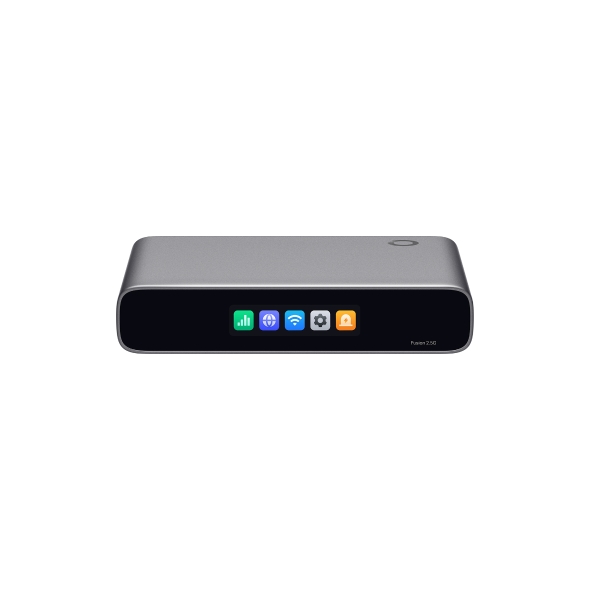
TP-Link Omada Fusion 2.5G gateway with built-in controller
Omada Fusion 2.5GGateway and controller in one.
Central management for compatible equipment.
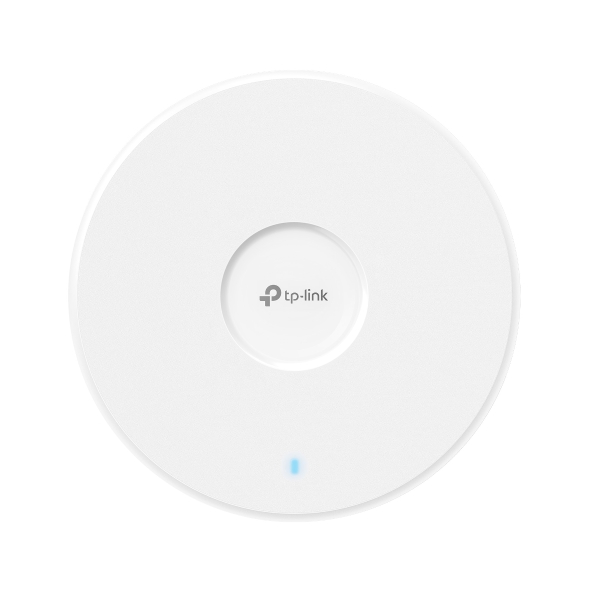
TP-Link Omada EAP772 ceiling access point
Omada access pointWiFi where your people need it.
WiFi 7 EAP772 shown.

See what’s connected

View connected devices and network activity through the controller, with the access we set up for you.

Choose who gets access

Manage WiFi access and block unwanted devices. We’ll help you understand the controls available in your setup.

Keep guests separate

Plan separate staff and guest networks, with suitable rules to protect access to your business equipment.

A small business network, at a glance

Your internet connection
Omada Fusion 2.5GGateway + built-in controller
Omada PoE switchConnects wired equipment and access points
Wired connectionsComputers · printers · office equipment
Omada access pointsWiFi for staff and guests
Phones · tablets · laptops
Example Fusion layout. The gateway includes the controller used to manage compatible Omada equipment.

We’ll recommend suitable WiFi 6 or WiFi 7 access points, switches and a controller arrangement for your site, then show you how to use the agreed controls. Features depend on the equipment and configuration.

Plan my business network
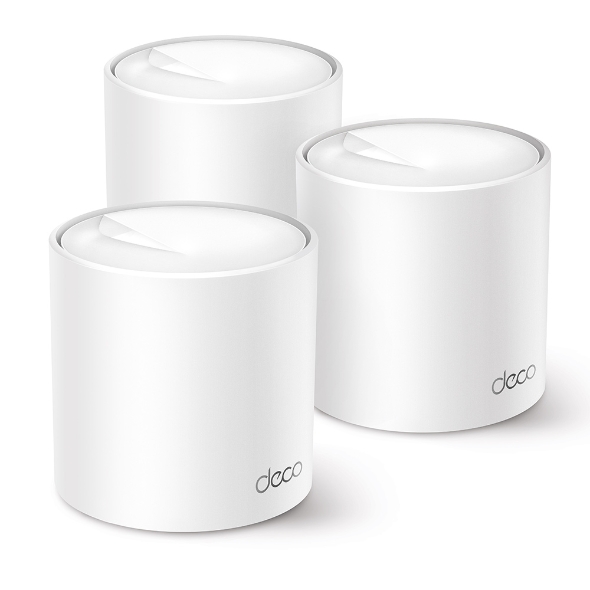
Three TP-Link Deco X50 whole-home mesh WiFi units
TP-Link Deco X50 shown. We’ll choose the model and number of units for your home.

FOR HOME · DECO

Whole-home WiFi. Room to room.

For homes, the TP-Link Deco range offers mesh WiFi: several units placed around the house work together as one network, helping spread coverage beyond a single router.

We can supply, position and set up a suitable Deco system for everyday browsing, streaming and working from home. Where practical, Ethernet cables can link the units; otherwise they need a good wireless connection to each other.

Living roomUpstairsHome office

We’ll look at your walls, layout and broadband connection, help you use the Deco app and explain the controls supported by your chosen model. Deco uses its own app and is managed separately from Omada.

Ask about whole-home WiFi

BETWEEN BUILDINGS · WIRELESS BRIDGES

Take your connection across the yard.

Need the internet in a separate workshop or farm building? A pair of outdoor wireless bridge units can carry a network connection between buildings, with a wired connection or access point providing service inside the destination building.

House or farm officeExisting network + outdoor bridge
Workshop or farm buildingOutdoor bridge + local WiFi or Ethernet
Illustrative link. A clear line of sight and suitable mounting positions are needed between the two bridge units.

House → workshop

Bring the home connection to a detached workspace, then add WiFi or wired sockets where you work.

Farm office → farm building

Link the office network to a suitable building across the yard for the devices and work happening there.

We survey the route, distance, trees, mounting points and power at both ends before recommending a link. The bridge shares the existing connection; it does not create a new broadband service. We can also discuss a cable or fibre link where that is more suitable.

Discuss a link between buildings

A little advice. A clear next step.

Show us the layout. A simple floor plan, building materials and a note of weak spots are useful.

Tell us who connects. Include household members, staff, guests and equipment, plus the busiest times.

We’ll plan the coverage. Your tailored quote will explain the proposed equipment, installation and any management or ongoing support.

A few questions you might have

Will a plug-in booster solve it?

Sometimes it can help, but it needs a good signal to extend. For larger properties or thick walls, a wired access point or a more considered network may be the better answer.

Can guests have their own WiFi?

With suitable equipment and configuration, a separate guest network can be planned. We’ll discuss access and separation requirements for your property.

Does all TP-Link equipment use Omada?

No. Omada manages compatible Omada devices. Routers such as the EX520v and Archer NX500 use different management arrangements, so we’ll make the distinction clear in the proposal.

Let’s find what works for you.

Share your postcode and a little about your setup. We’ll talk through suitable options and prepare a tailored quote.