Norfolk based. Connecting the UK since 2000. · 01485 572253
4G & 5G DATA SIMS
More options for getting online.
A mobile data SIM and the right router can open up broadband choices for rural homes, workplaces and sites. Start with your postcode and we’ll help you explore them.
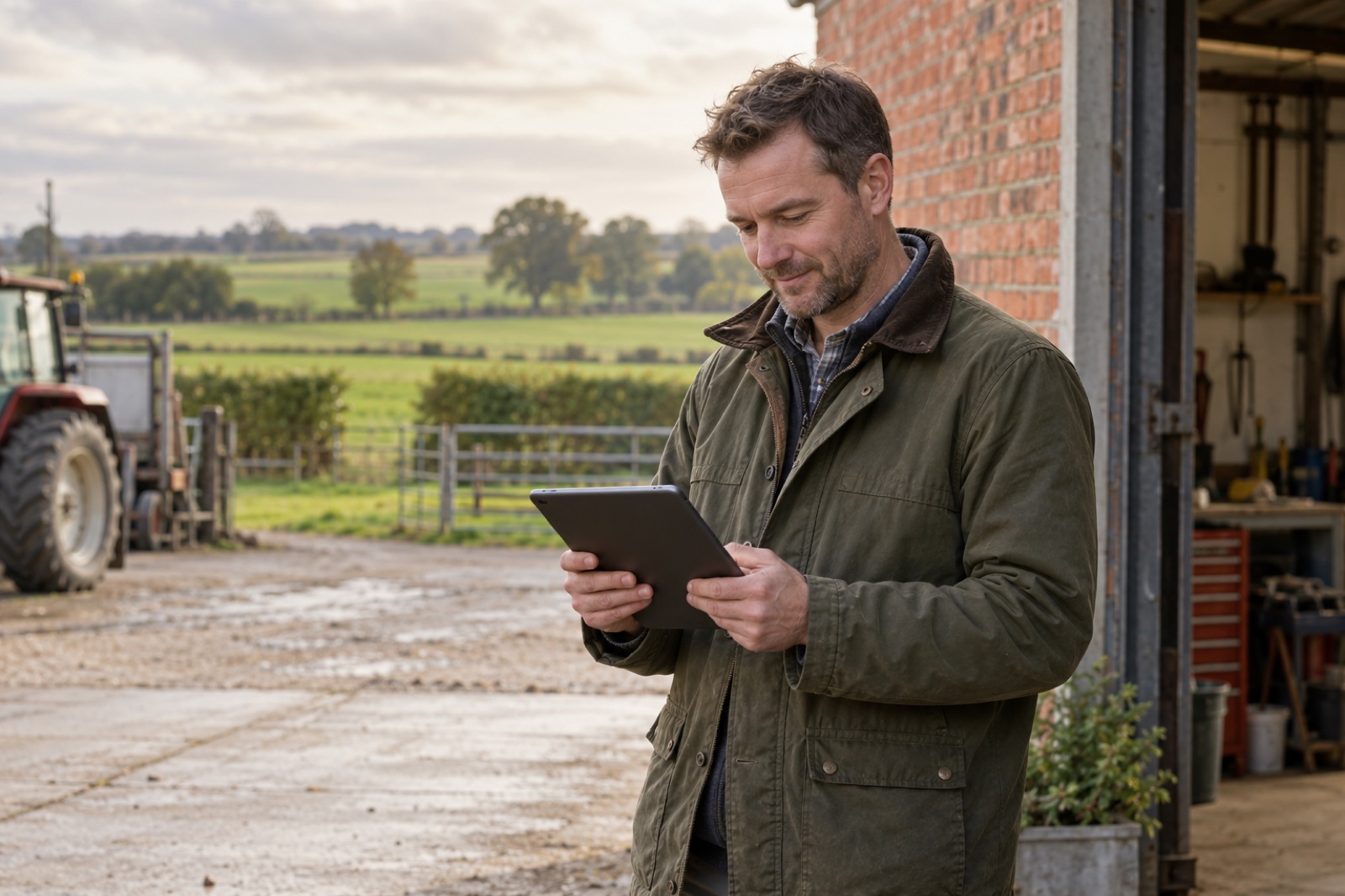
The right SIM starts with the right location.
Mobile broadband uses a mobile network to bring data to a compatible router or device. That can make it useful where fixed broadband falls short, at temporary premises or as an additional connection.
Coverage maps are a starting point. Building materials, router position and network demand also affect the result. We’ll discuss where the equipment will sit and how you use your data before recommending an option.
Coverage maps are a starting point. Building materials, router position and network demand also affect the result. We’ll discuss where the equipment will sit and how you use your data before recommending an option.
Broadband through a router
Connect laptops, phones and other devices through a compatible 4G or 5G router.
Mobile and temporary working
Explore data for a tablet, site office or changing workplace, subject to coverage and plan terms.
A backup to consider
If your work depends on being online, ask about a secondary connection and compatible failover equipment.
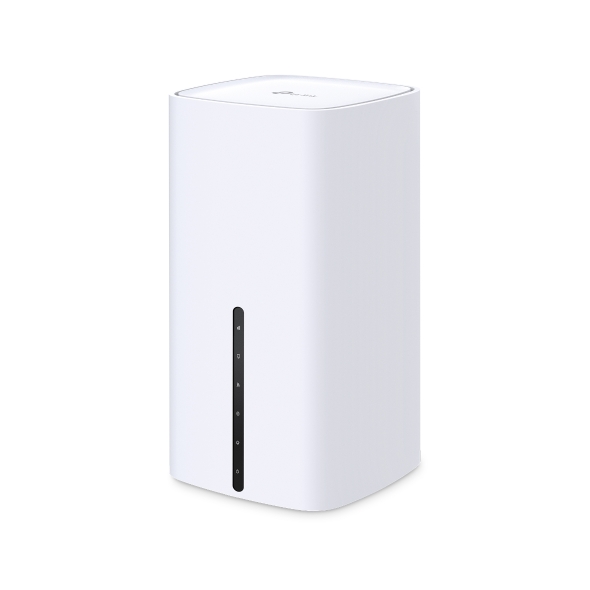
Indoor 5G routers. Start with the right position.
The TP-Link Archer NX500 offers 5G broadband with WiFi 6 for suitable homes and small workplaces. We can advise on an appropriate SIM, placement and the WiFi coverage you need around it.
For another indoor option, ask about the Teltonika Altos CAP700 with 5G, WiFi 7 and RMS management capability. If the mobile signal is more suitable outside, explore the outdoor options below.
For another indoor option, ask about the Teltonika Altos CAP700 with 5G, WiFi 7 and RMS management capability. If the mobile signal is more suitable outside, explore the outdoor options below.
Outdoor 5G routers. A different position for your connection.
Sometimes the better place for the mobile connection is outside. An outdoor router can avoid some of the signal loss caused by walls and glazing, with Ethernet bringing the connection back indoors. We assess the location and network coverage before recommending equipment and a mounting position.
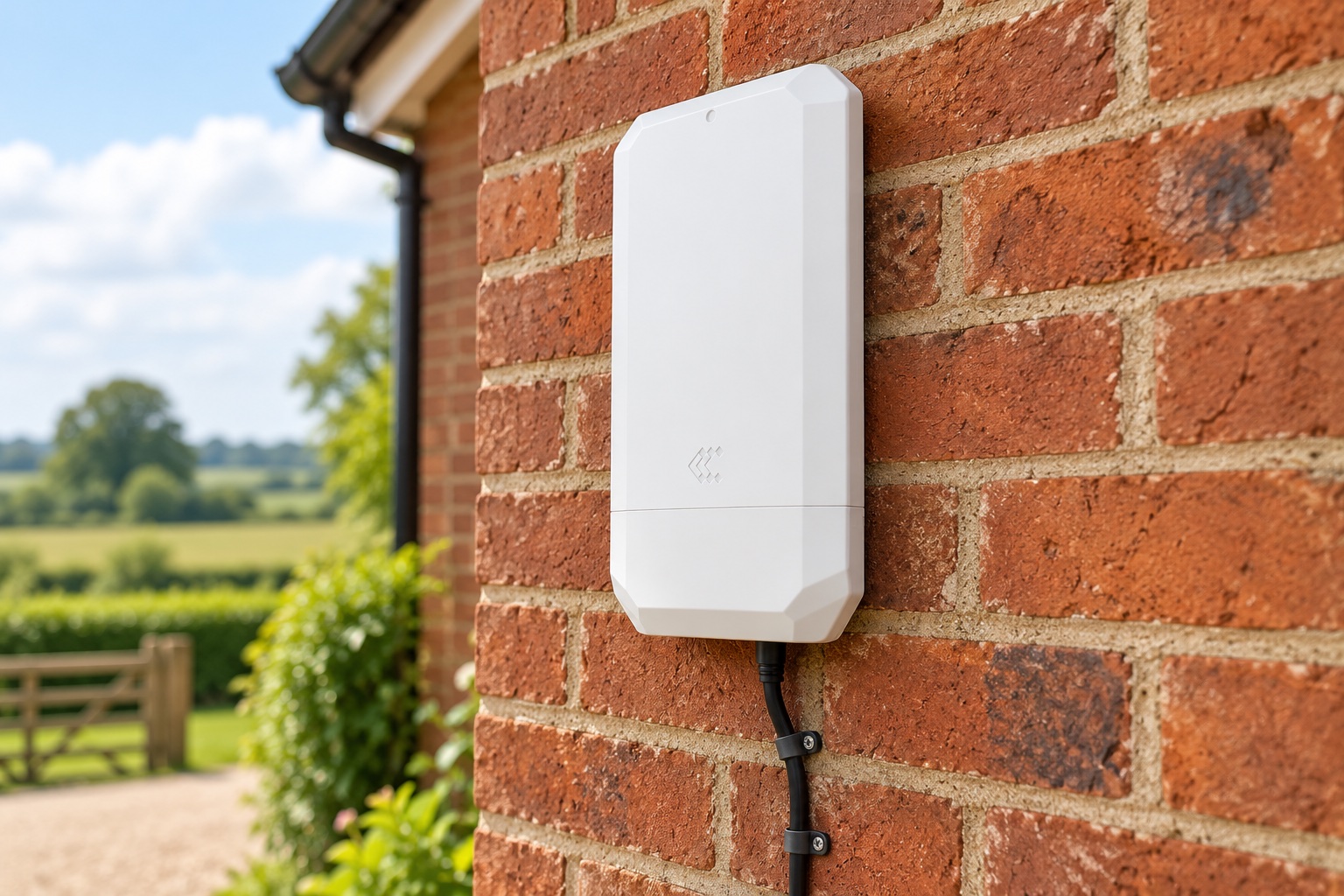
Teltonika OTD500
An outdoor 5G router with an IP55 enclosure, wall or pole mounting and Gigabit Ethernet with PoE. RMS remote management makes it an option to discuss for homes, workshops and business sites.
Illustrative wall-mounted Teltonika OTD500 installation.
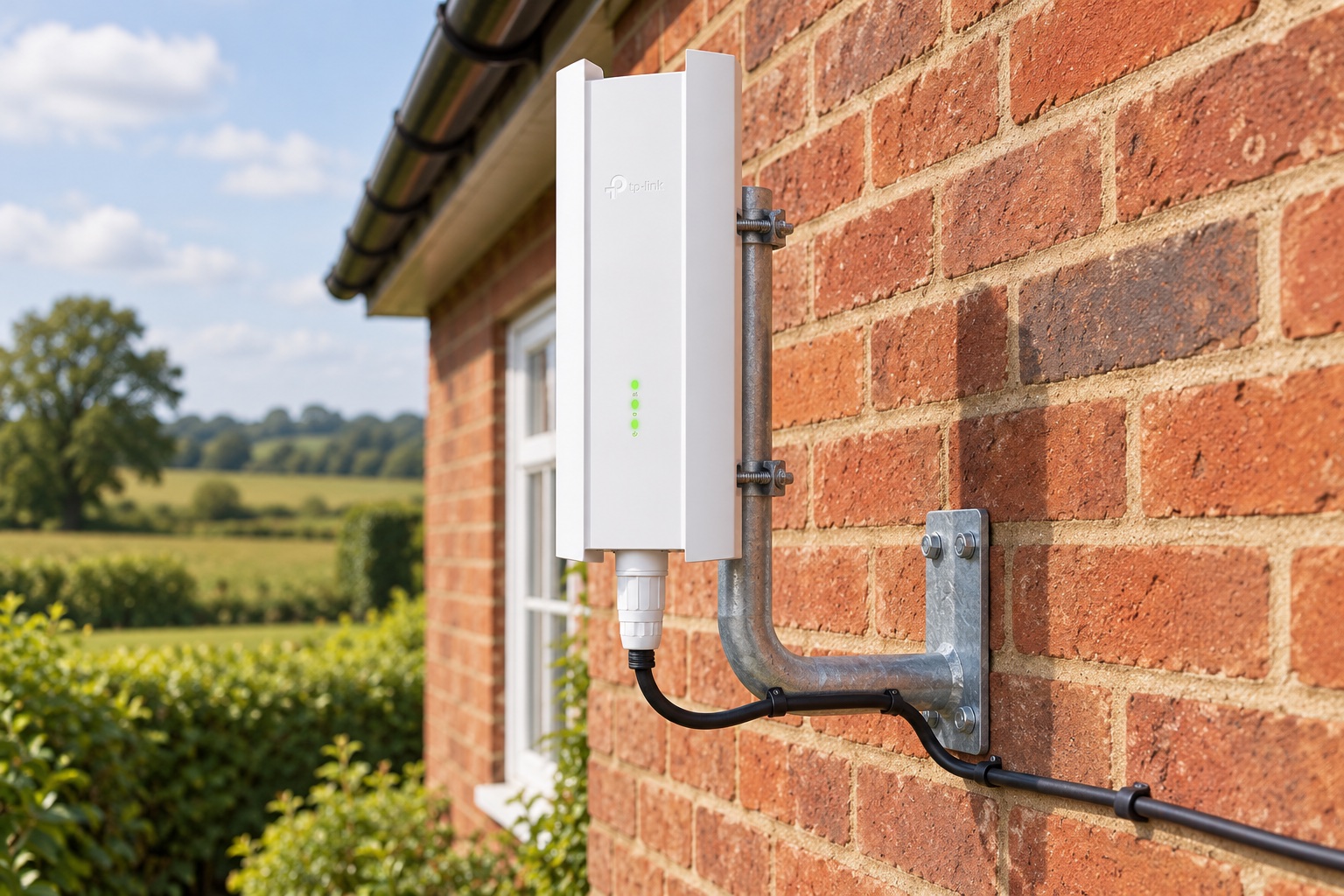
TP-Link NE211-Outdoor
An outdoor 5G gateway with an IP67 enclosure and a 2.5 Gigabit Ethernet PoE connection. Wall and pole mounting options let us position the mobile connection outside, then link it to a suitable indoor router or WiFi system.
Illustrative TP-Link NE211-Outdoor installation on a compact J bracket.
A house wall or a small J bracket can provide a tidy installation where suitable. We’ll confirm the bracket, fixing surface, cable route, power and indoor WiFi arrangement for your property. Outdoor placement does not guarantee a faster connection; the network and location still matter.
Let’s talk about the data you actually need.
A few emails and device updates are very different from a household streaming each evening. Tell us how many people or devices connect, whether you upload large files and whether you need remote access.
We’ll confirm the proposed allowance, any fair-use or network restrictions, contract term, equipment and costs in your tailored quote.
We’ll confirm the proposed allowance, any fair-use or network restrictions, contract term, equipment and costs in your tailored quote.
A few questions you might have
Does a data SIM include phone calls?
A data SIM is intended for mobile data. If you need mobile calling as well, ask us about voice and data SIMs. Business cloud calling is covered on our VoIP Solutions page.
Can I use my existing router?
Send us the make and model. We’ll check the relevant network and SIM compatibility before you commit.
Is 5G always the best choice?
Not at every location. Suitable coverage and a sensible installation matter more than choosing by the technology name alone.
Need mobile calls as well as data?
We also offer mobile voice and data SIM plans from EE, O2 and VodafoneThree, with eSIM and physical SIM options and plans from 30 days. If you are choosing a plan for your phone, explore our mobile SIM options or ask us for friendly advice.
Let’s find what works for you.
Share your postcode and a little about your setup. We’ll talk through suitable options and prepare a tailored quote.
Voice & data SIMs · IoT & M2M
Privacy policy · Terms of use
Lifestyle images are illustrative. Products and services are selected to suit your location and requirements.
Privacy policy · Terms of use
Lifestyle images are illustrative. Products and services are selected to suit your location and requirements.